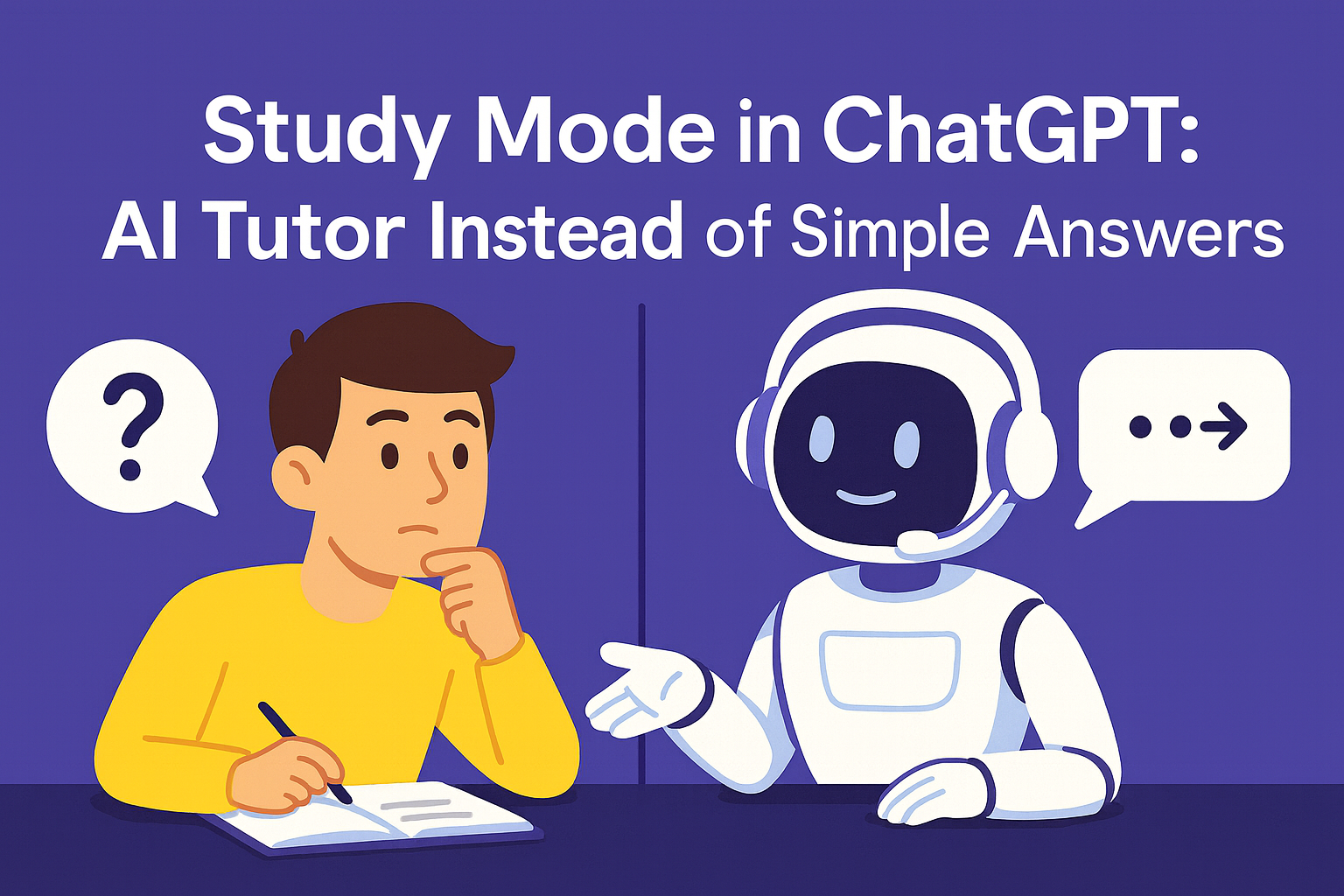
If you're a student, self-learner, or simply passionate about education — ChatGPT now offers a Study Mode that redefines the AI-tutor experience. Available in GPT-4o (for Plus subscribers), this feature takes learning with AI to a whole new level.
What is Study Mode?
Study Mode is a special setting that transforms ChatGPT from a simple assistant into a full-fledged interactive tutor. It helps you:
How is it different from the regular mode?
In default mode, ChatGPT gives you a straight answer. In Study Mode — it teaches you to think.
💡 Examples:
How does it work?
When you activate Study Mode in GPT-4o, you can:
Who is it for?
🎓 Students — for exams, class prep, and mastering complex topics
🧠 Self-learners — for a structured and mindful learning approach
👨🏫 Educators and mentor platforms — as a digital tutor
📚 School kids and parents — for safe and supportive learning
How to turn on Study Mode?
Why it’s awesome:
Try it right now
If you're already on ChatGPT Plus — turn on GPT-4o and activate Study Mode.
If not — this is a great reason to give it a try, especially if you're a learner or educator.
We've had it long before 😉
On the EvaHelp platform, Study Mode principles have been implemented long before ChatGPT introduced them. Our clients — like karpov.courses — use the AI-Tutor Mode that:
This leads to greater engagement, deeper learning, and reduced burnout.
Want to test it right now?
What is Study Mode?
Study Mode is a special setting that transforms ChatGPT from a simple assistant into a full-fledged interactive tutor. It helps you:
- Learn through questions, dialogues, and breakdowns
- Test understanding instead of just giving answers
- Adapt to your knowledge level and learning style
- Work in a “question → thought → hint” flow rather than “question → answer”
How is it different from the regular mode?
In default mode, ChatGPT gives you a straight answer. In Study Mode — it teaches you to think.
💡 Examples:
- Instead of “2x = 10 → x = 5”, Study Mode asks:
- “What do you think should be your first step in solving this equation?”
- Instead of just defining a term, it guides you toward the answer using analogies, follow-up questions, and association checks.
How does it work?
When you activate Study Mode in GPT-4o, you can:
- Choose a topic — from biology to coding
- Select your preferred learning format: tests, explanations, or practice
- Get adaptive hints instead of spoilers
- Ask the AI to check your answer and discuss errors, not just give a solution
Who is it for?
🎓 Students — for exams, class prep, and mastering complex topics
🧠 Self-learners — for a structured and mindful learning approach
👨🏫 Educators and mentor platforms — as a digital tutor
📚 School kids and parents — for safe and supportive learning
How to turn on Study Mode?
- Make sure you're using GPT-4o (included in ChatGPT Plus)
- Click the Study Mode icon or activate it in settings
- Choose your topic and style — and dive in 🚀
Why it’s awesome:
- 🧠 Learn with interaction, not copy-paste
- 🎯 Focus on understanding, not memorizing
- 📈 Learn faster and more effectively
- 🔁 Revisit topics and track your progress
Try it right now
If you're already on ChatGPT Plus — turn on GPT-4o and activate Study Mode.
If not — this is a great reason to give it a try, especially if you're a learner or educator.
We've had it long before 😉
On the EvaHelp platform, Study Mode principles have been implemented long before ChatGPT introduced them. Our clients — like karpov.courses — use the AI-Tutor Mode that:
- Doesn’t provide answers immediately
- Gently guides with clarifying questions
- Helps users recognize mistakes and reach conclusions on their own
This leads to greater engagement, deeper learning, and reduced burnout.
Want to test it right now?